
Day 14: A Website Footer Email Capture
Don't make people pull out their 🔎 to find where to sign up for your email list
True story.
I just randomly picked 3 organizations who are participating in this 30 Day Challenge and went to their websites.
One of two things happened.
First (most common), it took me longer than 30 seconds to figure out where to sign up for their newsletter list. 🫠
Secondly, if they did have a sign up—it asked me for…
My first name
My last name
My email address
My city
My state
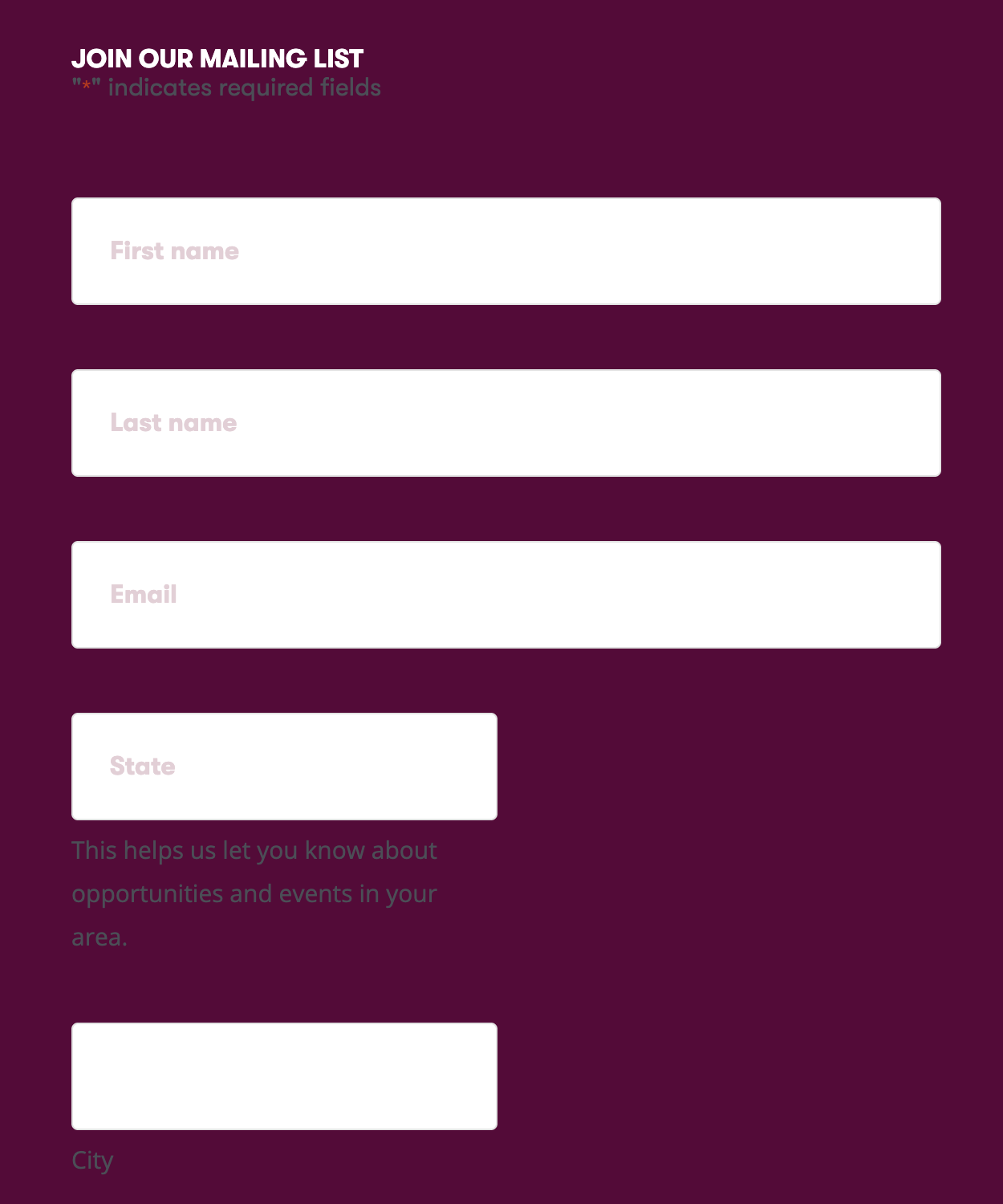
…which I'm not going to give on a first time visit.
That's why today, I'm keeping things simple with making sure 100% of us have at the very least—a website footer on your homepage.
Here are the steps ⬇️:
🛠️ How to set up a website footer
Step 1: Double check—does your homepage have an email capture?
Step 2: If not, you should add one!
For different website hosts and email services providers this could look different, but for the most part—it's called an embedded form that you build in your email service provider (eg: Mailchimp).
Step 3: Build the form and then inject the code into your website platform.
Important note about your form: keep it simple! The more info you ask people to fill in—the more friction to create.
Personally, I recommend only asking for an email address and mayyyyybeee a first name (because when have you EVER used a person's last name in an email?!).
During this challenge someone did ask me:
“If you only ask for an email address…how do you segment?”
Here's my answer ⬇️:
If you want or need to collect more info for segmenting purposes—try doing what I did and once folks sign up—redirect them to a short questionnaire. Over 75% of folks who signed up for this challenged filled in their info post sign up. 😉
💡 Why it works
Having a website email capture is one of the simplest ways for you to help people find their way to your email list.
Don't make people search far and wide—make it super easy!
📊 Results
You can expect between a 1%-5% conversion rate.
🧰 Tools Needed
Your website builder
Your email service provider
***Possibly a connection tool like Zapier
🗣️ Last thought
For all thing email growth—it's important to do the simple things first. Once you have all of them set up—then you can try some of the higher effort items.
One Last thing: Shout out to the team at Africa Youth Rising who is boldly putting themselves out there to do a cross promotion. Who is going to join them?
If you want to partner up with another nonprofit organization where they share your freebie and you share theres….fill out your info here.